Illness and Infection POTS Flare Tracker: What to Log
A practical guide to tracking sick-day POTS flares, infection symptoms, fever, hydration, salt, medication timing, heart rate, dizziness, fatigue, recovery, and doctor-ready summaries.

Zebra
For invisible chronic illness
POTS
After a positive tilt table test, your clinician decides what the result means and what happens next. You can help the follow-up visit by keeping a short record of symptoms, upright context, recovery, medications, hydration or salt if they are part of your care plan, flares, functional impact, and questions.

A positive tilt table test usually does not mean you need to build a complicated health binder. Your clinician should explain what the result means and what happens next. Your job is simpler: keep a clear, dated record of symptoms, upright context, recovery, medications, hydration or salt if they are already part of your care plan, flares, functional impact, and questions for follow-up.
This matters because the test is one piece of the story. Cleveland Clinic explains that a tilt table test monitors heart rate, blood pressure, and symptoms while your body moves from lying flat to upright. A positive result means your body responded abnormally during the test, but the meaning depends on the pattern, your symptoms, and your medical history.
The goal after the test is not to diagnose yourself. The goal is to bring cleaner follow-up notes.
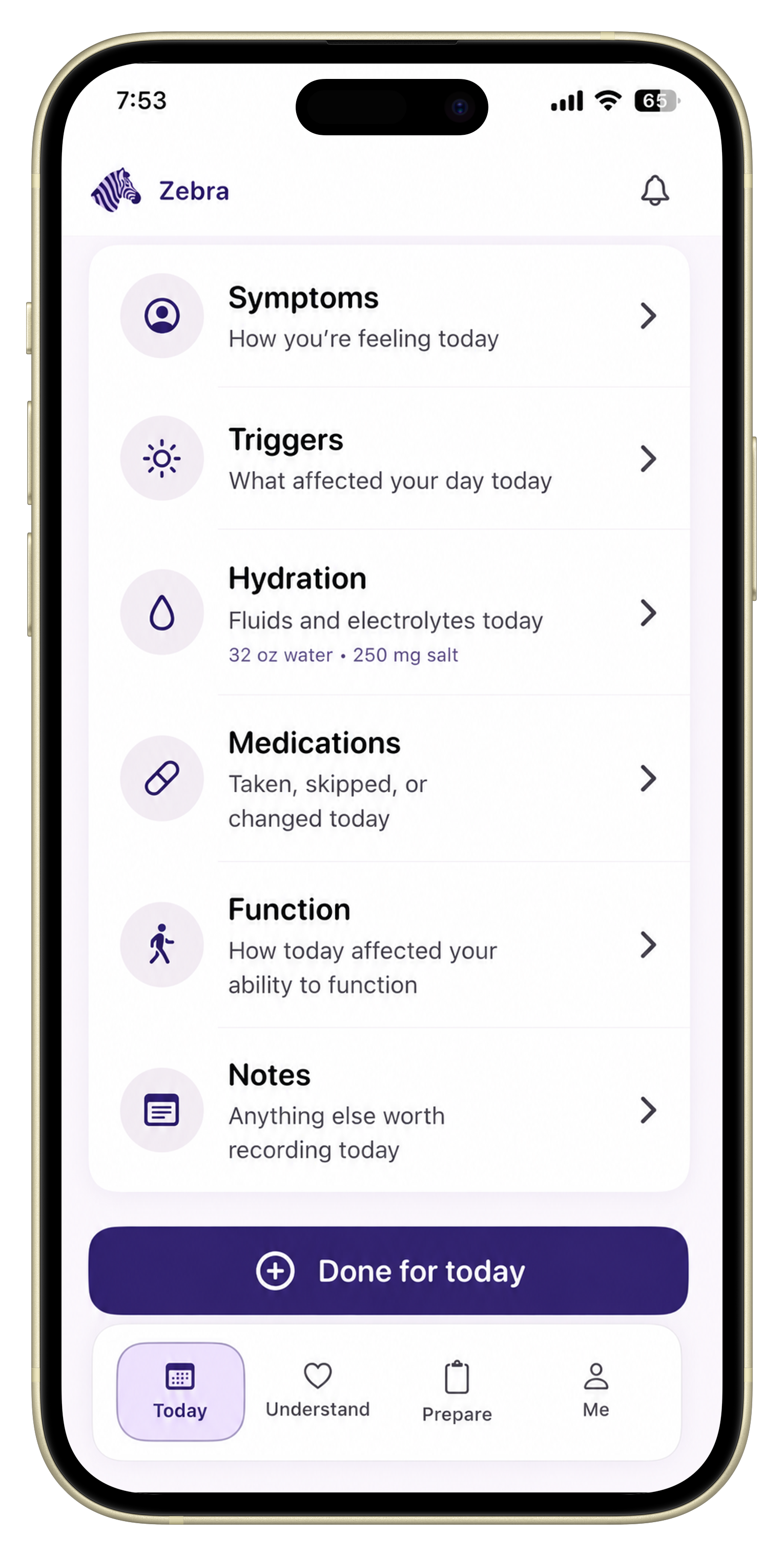
If you want one place to keep those follow-up notes, Zebra’s orthostatic vitals tracker keeps patient-entered position-based observations beside symptoms, medications, hydration, salt context, and appointment notes.
Short answer: book the follow-up visit with the clinician who ordered the test. Bring the exact wording of the report, the symptoms you noticed when you stood up, and the medicines, salt and fluids you were taking.
The next step is a follow-up visit with the clinician who ordered the test. They decide what the result means and what to do next, as described in the Cleveland Clinic guide to the tilt table test. Before that visit, write down three things: the exact wording of the report, the symptoms you noticed when you stood up, and the medicines, salt and fluids you were taking. Zebra can keep these notes in one timeline so you can bring them with you.
Before you track anything new, write down the exact language from the test report or after-visit summary.
Useful details include:
If the wording feels confusing, that is normal. Bring the exact wording to your follow-up instead of trying to translate it from memory.
Follow-up after a positive tilt table test depends on why the test was ordered, what happened during the test, your history, and your clinician’s judgment. Johns Hopkins notes that your provider may give different instructions depending on your situation. Cleveland Clinic also explains that a provider may look at monitor data, symptoms, and history together before discussing diagnosis or additional tests.
You can prepare for that conversation by tracking what your clinician asked you to watch, plus anything that keeps affecting daily life. Do not use home notes to decide your diagnosis or change treatment on your own.
The most useful post-test notes usually connect symptoms to position and time upright.
Track:
For people being evaluated for POTS, dysautonomia, or orthostatic intolerance, this context can matter as much as the symptom names.
If you need the broader POTS tracking workflow, use the POTS symptom tracker page. If your main need is the appointment artifact, use the doctor report page.
You do not need to write a paragraph every time.
Use a short list:
Then add one sentence: “What was I doing when this started?”
That one sentence turns a symptom list into appointment context.
Only make changes your clinician recommends. But if hydration, salt, compression, or medication are already part of your care plan, track them beside symptoms.
Useful notes include:
The Heart Rhythm Society consensus statement notes that clinical history for suspected POTS should consider modifying factors and possible triggers, including dehydration, heat, alcohol, and exercise. Tracking these as context can make follow-up conversations more precise.
Use the smallest table you can maintain:
| What changed? | What to note | Why it may help later |
|---|---|---|
| Symptoms | Main symptom, severity, start time | Shows what keeps happening outside the lab. |
| Upright context | Standing, shower, stairs, heat, meals, errands | Connects symptoms to position and daily situations. |
| Recovery | Sitting helped, lying helped, time to improve | Shows how long the episode affected you. |
| Medications | Start, stop, dose change, missed dose, side effect concern | Helps your clinician review timing and safety questions. |
| Hydration/salt | Only if relevant to your care plan | Keeps care-plan context beside symptoms. |
| Flares | Date, severity, top symptoms, what changed | Shows patterns across days instead of one event. |
| Function | What you had to cancel, stop, or get help with | Turns symptoms into real-life impact. |
Functional impact is often the difference between “I felt dizzy” and “this changed my day.”
Write down examples like:
Clinicians cannot always see the cost of symptoms unless you bring real-life examples.
After a positive tilt table test, consider bringing questions like:
If you are worried about forgetting questions in the room, put them in your symptom tracker as soon as they come up.
For a fuller appointment workflow, see Zebra’s appointment prep checklist.
Helpful background:
Zebra helps keep the after-test story in one place: symptoms, orthostatic observations, medications, hydration, salt context, flares, notes, triggers, functional impact, and follow-up questions.
It does not interpret your test or diagnose POTS. It helps you organize what happens next so the follow-up appointment has less guessing.
Track symptoms over time, standing context, recovery time, medications, hydration or salt if they are already part of your care plan, flares, functional impact, and questions for your follow-up appointment.
No. A positive result means your body responded abnormally during the test, but your clinician interprets the pattern with your symptoms, history, and other data.
If your clinician wants home observations, track them with position, timing, symptoms, and context. Do not change treatment based on numbers alone.
Commonly useful symptoms include dizziness, lightheadedness, fainting or near-fainting, palpitations, fatigue, brain fog, nausea, weakness, shakiness, and shortness of breath.
No. Zebra helps organize patient-entered history for appointments. It does not diagnose, treat, or replace medical care.
Put this into practice
Use Zebra to keep orthostatic observations, symptoms, medications, hydration, salt context, flares, notes, and appointment questions in one timeline.
Download ZebraKnowledge hub
General information, not medical advice.
Keep exploring
A practical guide to tracking sick-day POTS flares, infection symptoms, fever, hydration, salt, medication timing, heart rate, dizziness, fatigue, recovery, and doctor-ready summaries.
A practical guide to tracking POTS symptoms during flights, car rides, terminals, lines, missed meals, hydration changes, salt, compression, medication timing, fatigue, recovery, and travel planning.
A practical guide to tracking morning POTS symptoms, getting out of bed, hydration, salt, breakfast, medication timing, heart rate, blood pressure, dizziness, brain fog, recovery, and doctor-ready summaries.
A practical guide to tracking palpitations, racing heart, skipped beats, heart rate, posture, dizziness, triggers, medication context, recovery, and appointment-ready summaries.